Shexpir Get the app

AI interior designer in your pocket

Scan a room
Get it designed

Walk around your room for about ninety seconds and watch an AI designer furnish it in 3D with furniture, finishes and lighting that fit your space and budget

Download on theApp Store
QR code to Shexpir on the App Store

Or scan with your iPhone camera

Designing needs an iPhone with LiDAR
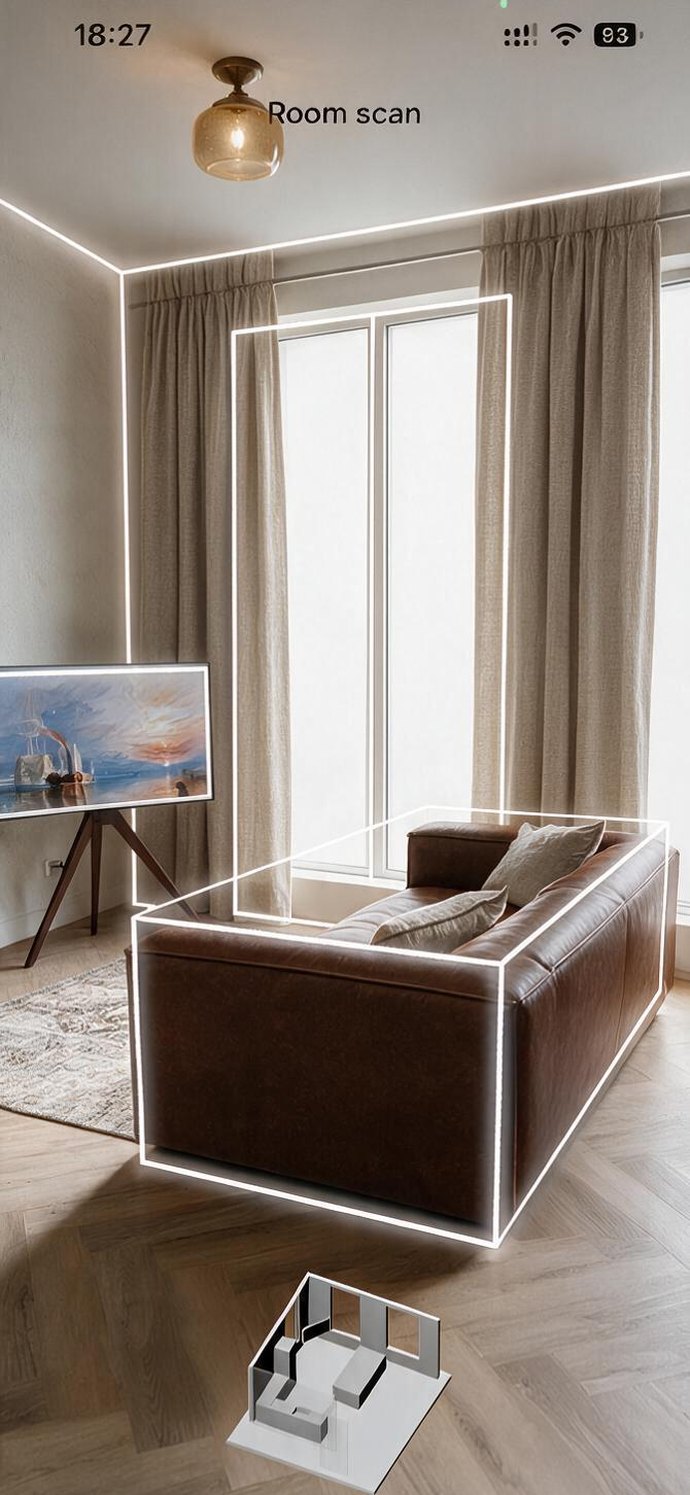
Room scan in progress: walls, window and sofa outlined in white
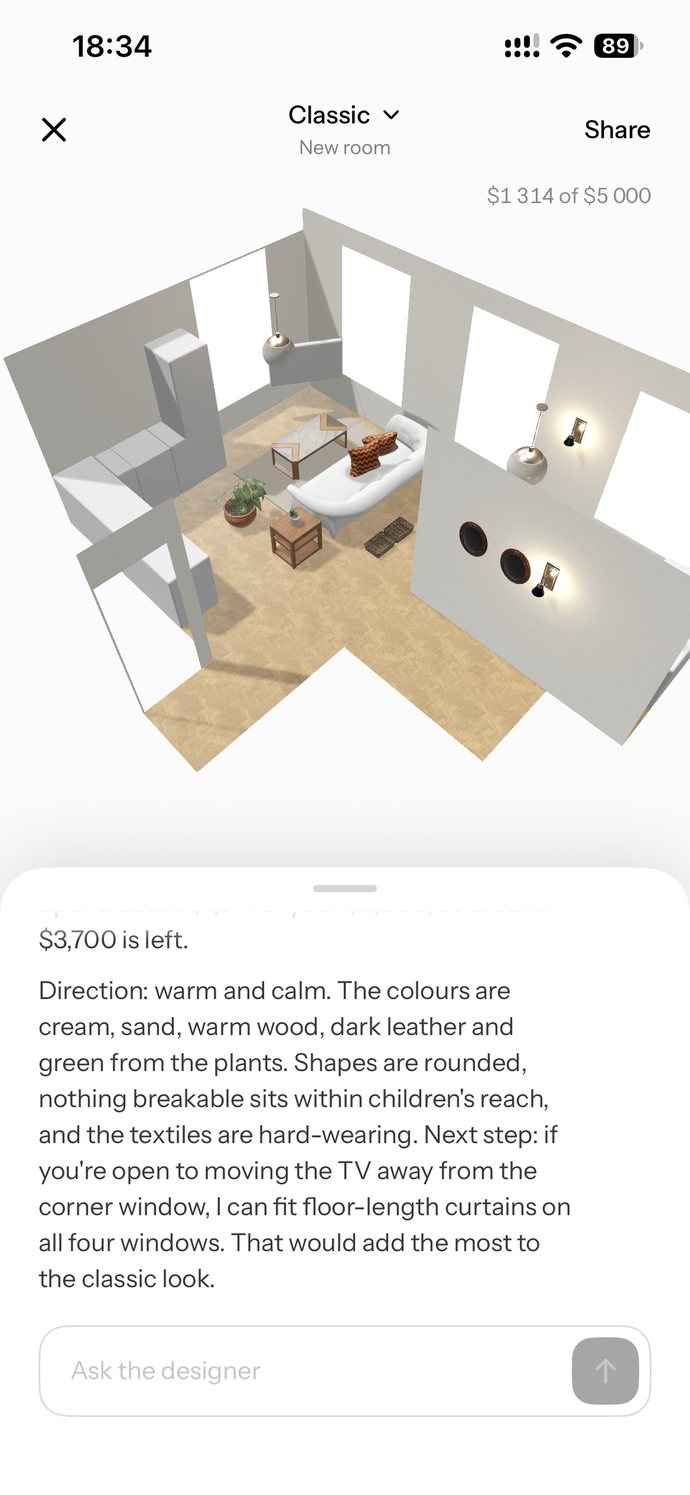
The finished design in 3D with the designer's notes below
~90 sto scan a room with LiDAR
Minutesto a first complete design
Your budgetthe designer keeps to it
Geometry onlyno photos or video leave the phone

How it works

  1. 01

    Scan your room

    Walk around for about ninety seconds. Shexpir measures every wall, door and window and finds the furniture you already have

    Room scan with outlined furniture
  2. 02

    Check what it found

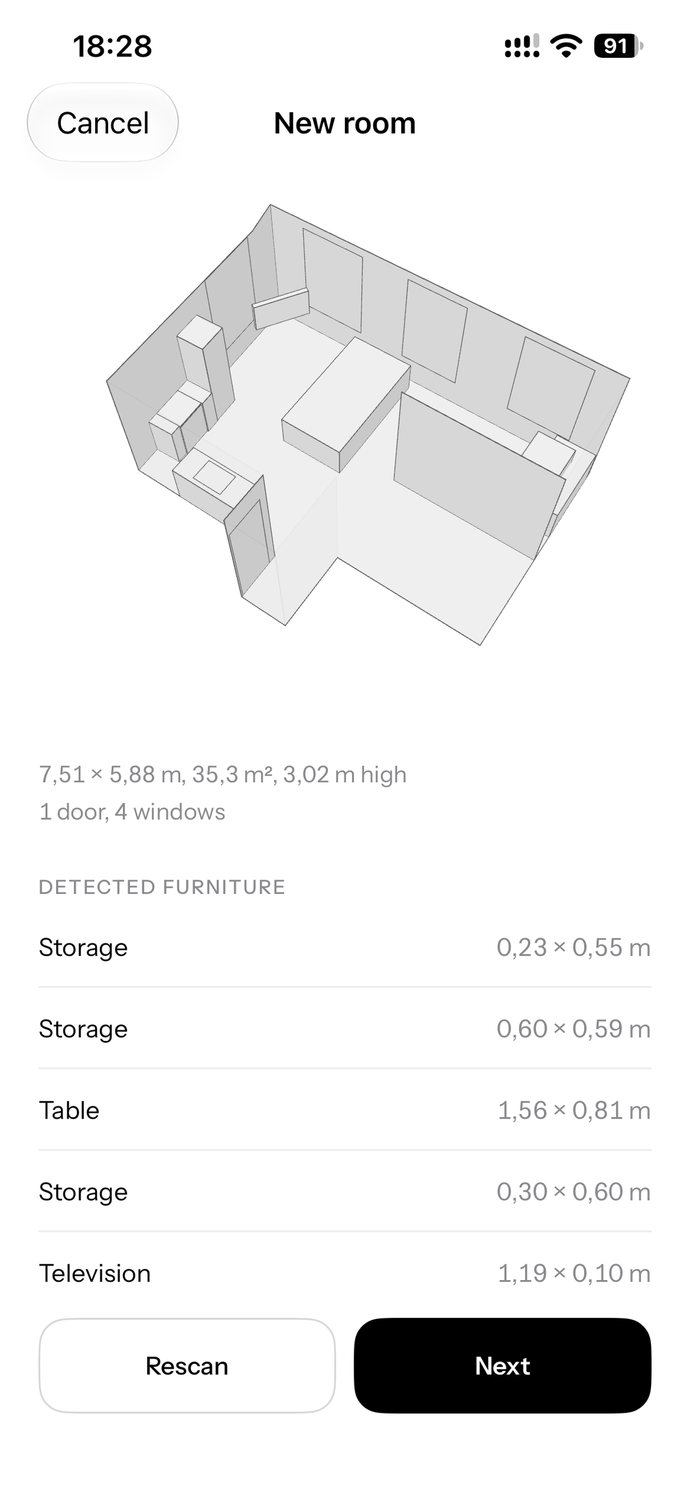
    Room size, ceiling height, doors, windows and every piece of furniture, measured to the centimetre

    Scanned room summary: 7.51 by 5.88 metres, 1 door, 4 windows, detected furniture list
  3. 03

    Tell it how you live

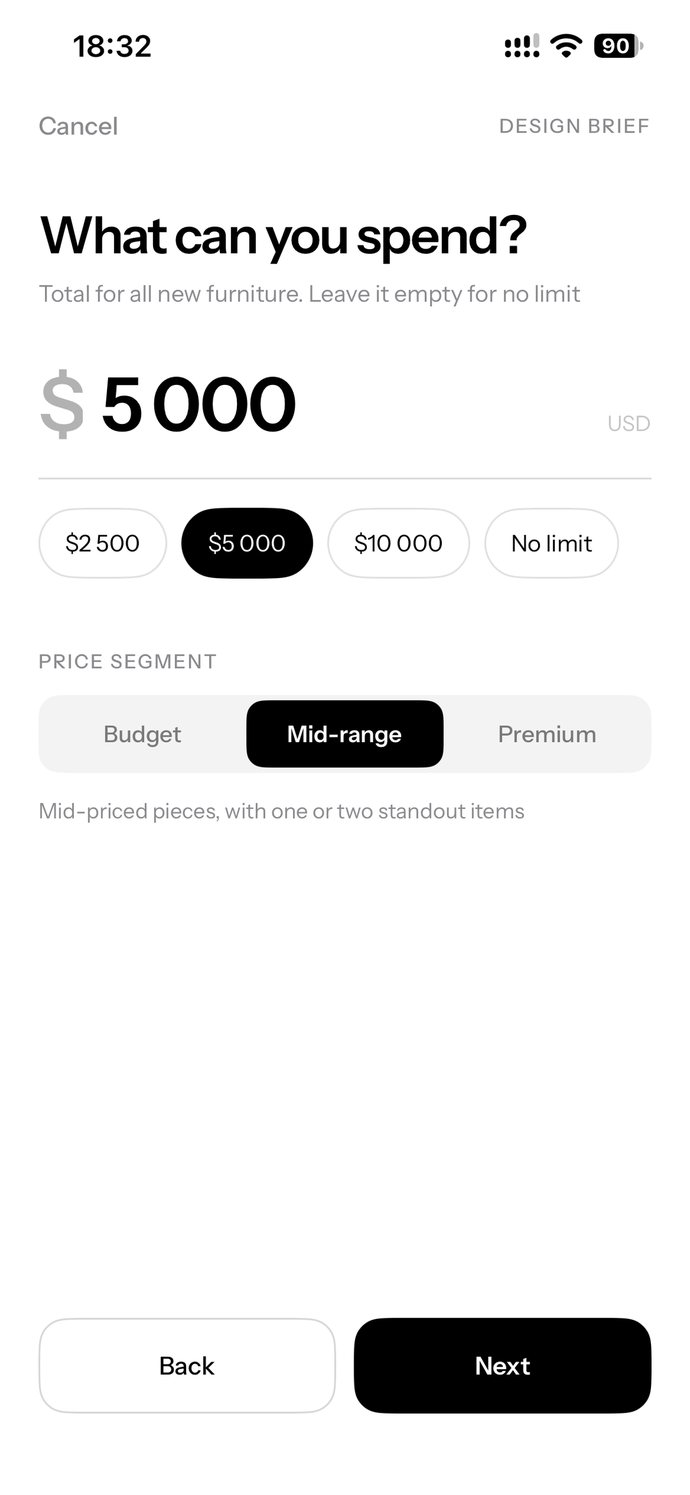
    Who lives there, what you need, the style you love and what you can spend

    Design brief step: budget of 5,000 dollars, mid-range price segment
  4. 04

    Get the design

    Pieces, finishes and lighting placed so doors open and walkways stay free. Your own sofa or wardrobe stays

    Furnished room in 3D with the designer explaining the direction
The furnished room in 3D with the designer's notes below

Just text your ideas

Make your room yours, not someone else’s. Not sure what you want yet? We’ll help you figure it out, no pressure

  1. Create the design of this room following my brief
  2. Set the style to ClassicPlanned the room
  3. Direction: warm and calm. The colours are cream, sand, warm wood, dark leather and green from the plants
  4. Warmer lighting, please

Pick a direction

Each style comes with its own palette, materials and shapes

Japandi living room
Japandi Low furniture, warm natural wood, slatted panels, paper lanterns, linen and jute, handmade ceramics
Scandinavian living room
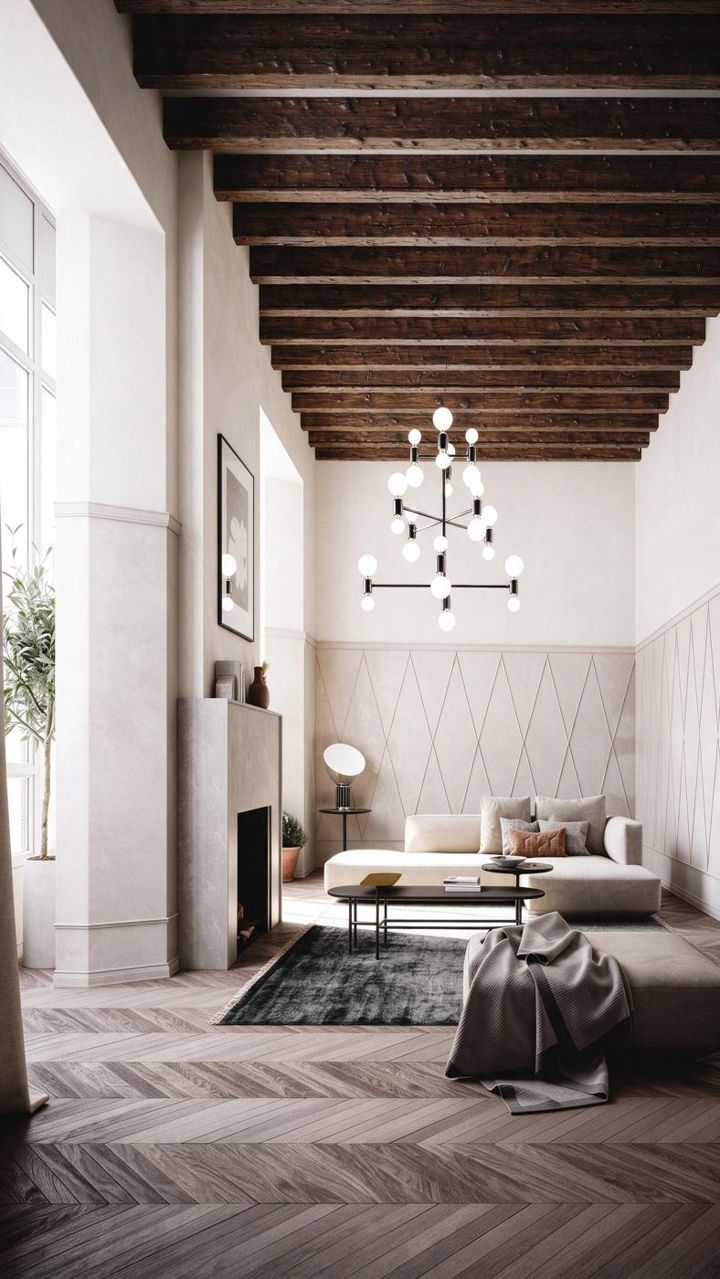
Scandinavian Light plaster walls, pale herringbone floor, timber beams, low soft furniture, little decor and lots of air
Modern Classic living room
Modern Classic Coffered ceilings, dark wood and veined marble, low soft sofas, slim black metal, brass details
Boho living room
Boho Arched white walls, layered patterned textiles, rattan and rustic wood, terracotta and leather, olive greenery
Loft living room
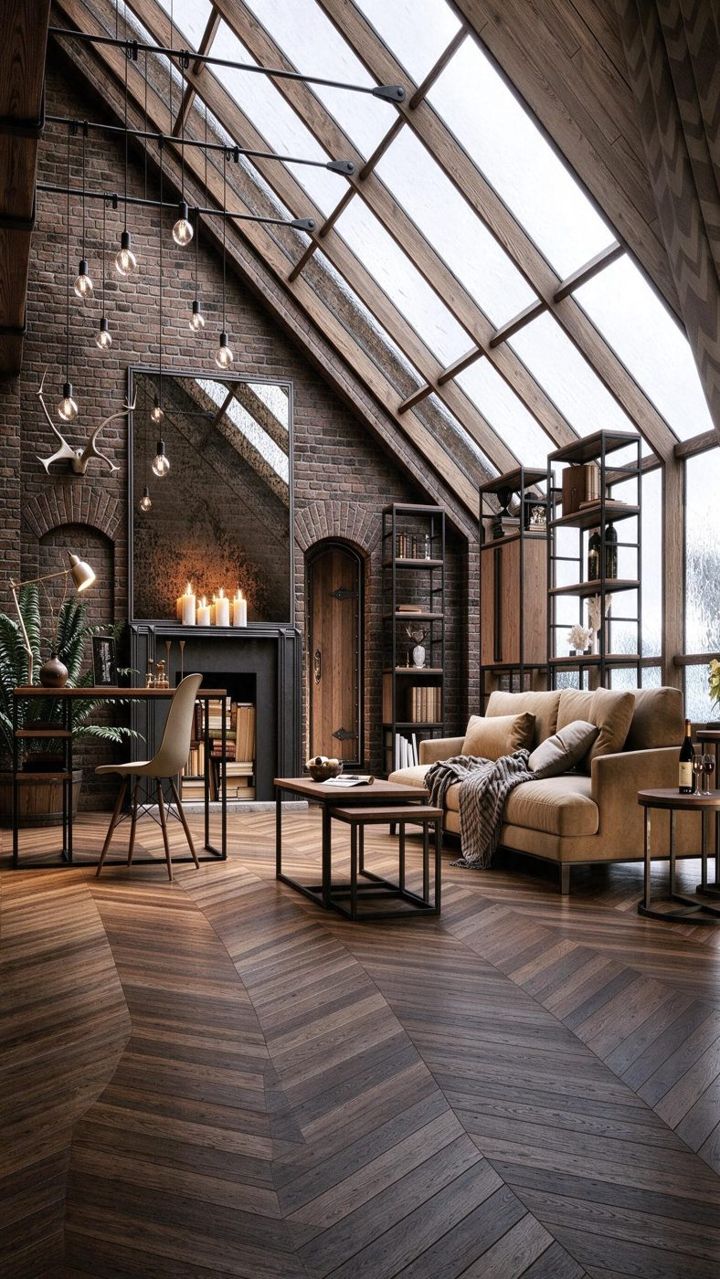
Loft Exposed brick, timber beams, large steel-framed glazing, bare bulbs, black metal, dark wood floors
Classic living room
Classic Ornate mouldings, a fireplace with gilded mirrors, herringbone parquet, velvet upholstery, marble and brass

Questions

Which iPhones can scan a room?

Scanning needs LiDAR: iPhone 12 Pro and later Pro models. On other iPhones you can try Shexpir with a sample room

How much does it cost?

Shexpir is free, with no in-app purchases

Will it throw out my furniture?

No. Pieces found in the scan stay, and the design works around them. You can replace or remove any of them with one tap

How long does a design take?

The first design takes about two minutes. Furniture appears in the 3D room while the designer works

Your room stays yours

No photos, no video

The camera works only on your iPhone. Shexpir keeps just the room’s geometry: walls, openings and furniture sizes

Nothing goes to the AI without consent

Your room, brief and messages reach the designer only after you agree to it when you create your account

Delete it any time

Remove your account and everything in it from the app’s settings. No tracking, no ads

Your room designed tonight

Download on theApp Store
QR code to Shexpir on the App Store

Or scan with your iPhone camera